Free store tool · No signup
Free size chart generator for online stores
Pick a product type, switch between centimetres and inches, edit any cell, and copy a clean HTML table that scrolls sideways on small screens, or download a CSV ready for your store.
Guides
Prefer to do it yourself? Step by step.
Free how-tos covering every method, including the ones that don't need an app.
FAQ
Questions about the size chart generator
Is this size chart generator completely free?
Yes. You can pick any template, edit every measurement, switch between centimetres and inches, and copy the HTML table or download the CSV with no account and no watermark.
Should I pick flat garment measurements or body measurements?
Flat garment measurements (chest width pit-to-pit, body length, shoulder width) are best when shoppers compare against a shirt or hoodie they already own. Body measurements (chest, waist and hip circumference) are standard for dresses and fitted trousers. Whichever you choose, the caption above the table states it clearly.
Why aren't EU, US and UK shoe sizes converted when I click inches?
Shoe size systems (EU 40, US 7, UK 6) are labels, not lengths. Only physical measurements such as foot length (cm ⇄ in) convert when you switch units.
How do I add the generated chart to my Wix or Shopify store?
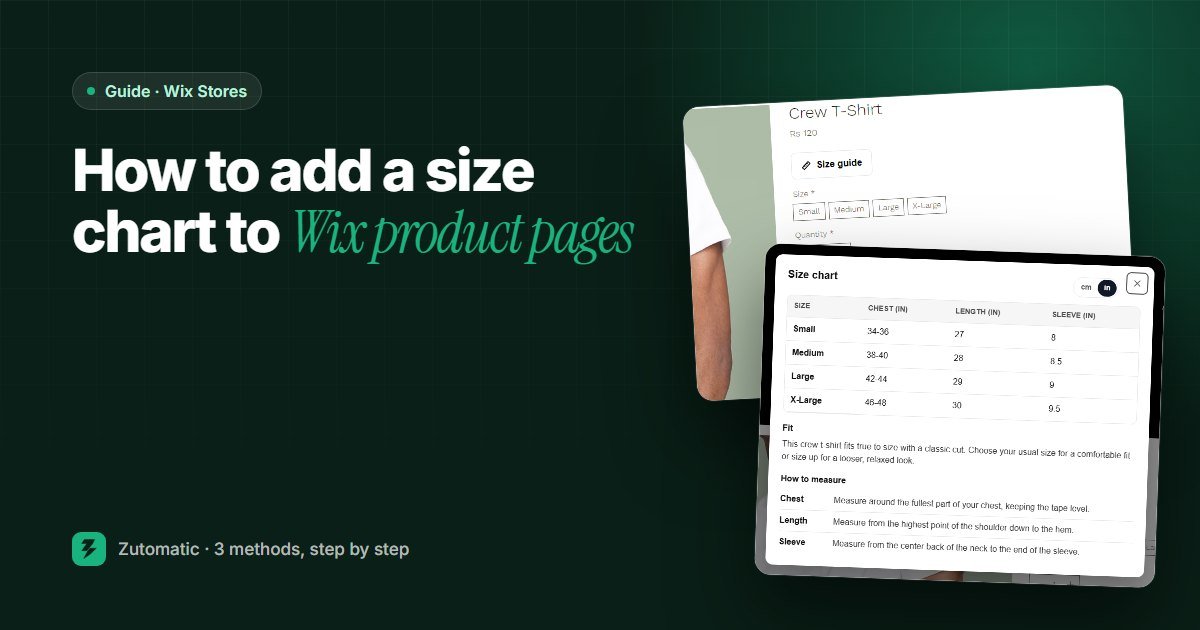
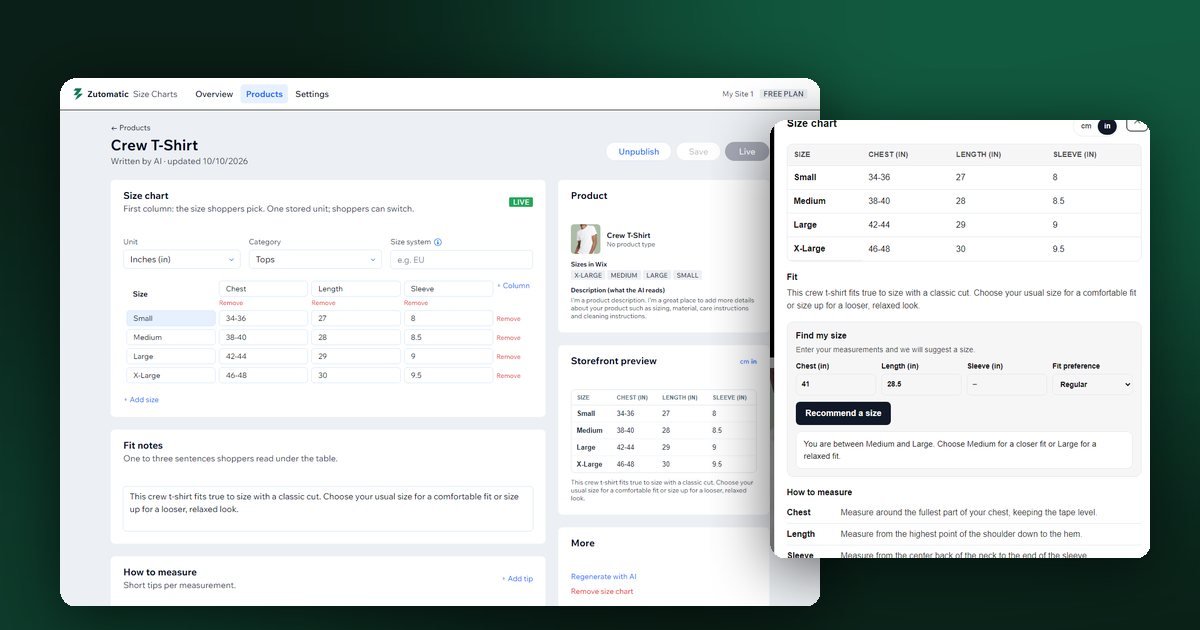
Click Copy HTML to paste the table into a product info section or custom HTML block, or click Download CSV and import the file into Zutomatic Size Charts on Wix, where it opens in a Size guide pop-up with a cm/in switch.
Ready to put a size guide next to every buy button?
Import the CSV you just built—or let AI draft charts from your product sizes in one click.